







I have long been intrigued by Linux as an operating system, but it felt overwhelming to consider making the switch. Through a series of events which I believe God orchestrated, I took the plunge and switched from Windows 10 to Linux. I am SO HAPPY I did.
My Linux journey started when someone shared on Telegram that a man named Jeffrey Peterson was starting up a Linux channel on Telegram. The goal was to help people break free from from Microsoft and Apple tyranny. I have long despised the way Windows controls my computer so I was more than ready. I did not want to spend one penny more on their products so moving to a free, open source option sounded fantastic in multiple ways. I was one of the first few hundred people to join the channel that has swelled to tens of thousands. A chat group was also created (JP’s Technology Chat) as well as a forum. (Jeff is also a Christian with a wonderful story of faith.)
After observing the massive conversation threads going on in the chat group and learning about Linux simply by reading and watching various recommended videos, David and I decided to purchase an inexpensive HP laptop for taking our first steps into Linux. I did not want to tie up my main computer that I use daily and we knew there was a chance that it would take longer to get it done than we anticipated. That was a smart move. If we had had an older extra computer that would have worked just as well, but we always get rid of computers when we’re done with them. MANY people in the Telegram group have dragged old computers out of the back of the closet and made them like new with Linux.
I wrote about the first part of my journey in Highlights From My September Weekend. At that point, I was trying out Linux Mint Cinnamon and that is what I chose to keep. There are so many distros (distributions) to choose from. Some look more like Windows and others like Mac. There are distros that work well with older computers that need something very lightweight. Almost anything you could want, you can find. I chose Mint because from all I read it sounded like it made the switch from Windows to Linux very easy. It definitely does. I love it.
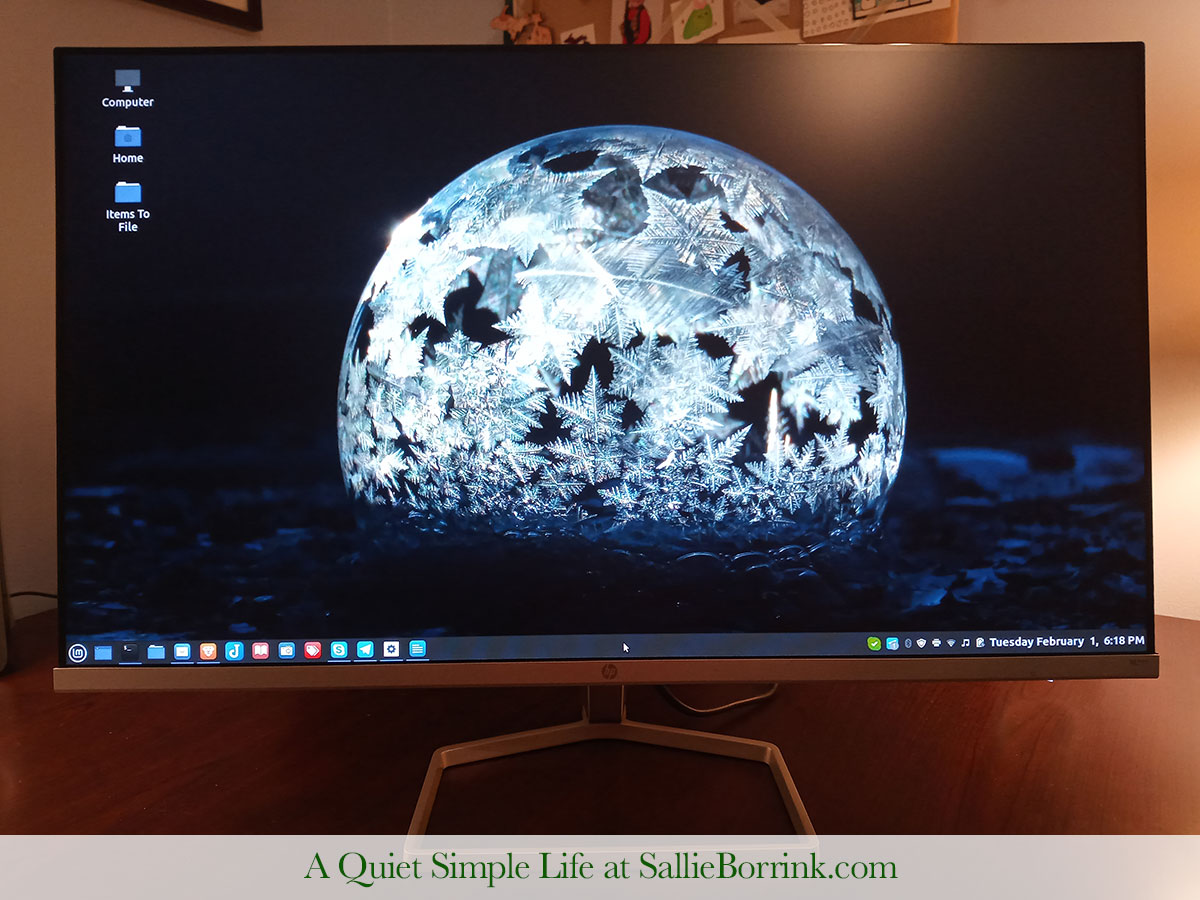
After I was sure I wanted to make the switch, we partitioned my main computer to be half Windows and half Linux while we set up the new Linux system. Because I have an internal server program (WAMP on Windows, LAMPP on Linux) for my 2,000+ unpublished archived blog posts, it took a bit more work to get things switched over to only Linux. Once that was taken care of, David removed the partition which removed Windows from my life hopefully FOREVER.
I love that everything on my computer is what I choose to put there. My computer is not filled with programs I don’t want and can’t delete. It’s not loaded up on junk that tracks me. I make of it what I want. It’s so much fun to find free Linux programs and add them to my computer. Two of my favorites so far are Calibre (e-book management) and Joplin (like Evernote). I’ll write more about those in separate posts.
For now, I just wanted to share that I made the complete jump to Linux. I hope to write more posts about this to encourage as many of you as possible to consider doing the same thing. If you use your computer basically for email and surfing, there is no reason why you can’t move to Linux. The only things we have found tricky in our situation is that David is heavily dependent on the Adobe Creative Suite for our business (graphic design and websites) and Caroline is heavily “dependent” on Roblox. Neither one will run on Linux which is really frustrating. For now, he will have to keep his Mac and she will stay in a Windows environment. If we could, we would switch both of them to Linux in a heartbeat. Otherwise, there is a Linux program for almost anything you are using in a Windows environment.
I strongly encourage you to break free from big tech tyranny as much as you can.
Follow-up post: Switching To Linux Mint From Windows – Mega Resource List

Wow! I’m so impressed! Great going! I know my IT guy husband speaks very highly of LINUX and always has. Keep us updated!
Amanda
Hi Amanda,
It’s really been a great experience. The Telegram group is so fun and supportive. The admins do a great job of keeping it cleaned up and positive.
I hope to do more posts that explain in-depth how I’m using Linux. This was a simple post to get started. It’s kind of overwhelming when you first look at it. But once you start to grasp the big picture and what you gain by switching, it’s very motivating.
Sallie
And speaking of your IT guy husband… I know someone who has a relative who makes excellent money working at Apple. This Apple employee only runs Linux at home. Isn’t that interesting? Works for Apple but doesn’t use Apple products at home. Hmmm…
I’ve added a section about Switching To and Using Linux to my read-only forum area. I’ll continue to add to it as I discover more helpful information.
Thank you for this! I actually found this in a very roundabout way. I first found your post on “What Was In The Envelopes At President Bush’s Funeral?” which I wanted to share – you have the best video I’ve found! Then I went to Telegram to see if you have a telegram channel … couldn’t find you, do you have a channel? But your name came up in the linux group – which is on my plan to do for this week. So thanks for both things!
I would love to learn how to switch to this! I need a new laptop as the old one is heavy and clunky, yet am interested in Linux. I dislike having to pay for everything little piece of software or OS.
Hi Kris,
An old laptop would be a great one to learn on. I would start by reading articles or watching videos about putting Linux on an older computer (HP, Dell, etc. – whatever yours is). Look at the different distros that are recommended to work well with what you already own. That might be one way to start. Or you can purchase a new computer to use and learn Linux on your old one. Eventually you can switch your new one over to Linux.
Most Linux users are very willing to help new users if they can tell you are putting the effort in. There is a Gab group for Linux users. There is the Jeff pro forum I linked to up above. It just depends on what you are looking to do. If you have the money, you can order a new computer with Linux already installed. They are pricey, but that’s an option.
Sallie