









LibreOffice is a free office suite alternative to Microsoft Office 365. All three of us have made the switch to LibreOffice over the past couple of years. I started using it on Linux Mint when I left Windows behind for good. David uses it on his Apple laptop. Caroline uses it on a PC. It works very well for each of us. After a short time, you don’t even think about the fact that you are using something different.
In other words, you can stop paying for Microsoft Office 365 every year and switch to LibreOffice. LibreOffice does pretty much everything Microsoft Office does. (In some circumstances, people claim LibreOffice is better.)
LibreOffice describes their product this way:
LibreOffice is a powerful, free and private office suite – the successor project to OpenOffice – used by millions of people around the world. It’s compatible with Microsoft Office (365) and is backed by a non-profit organisation, The Document Foundation. LibreOffice includes Writer (word processing), Calc (spreadsheets), Impress (presentations), Draw (vector graphics and flowcharts), Base (databases), and Math (formula editing).
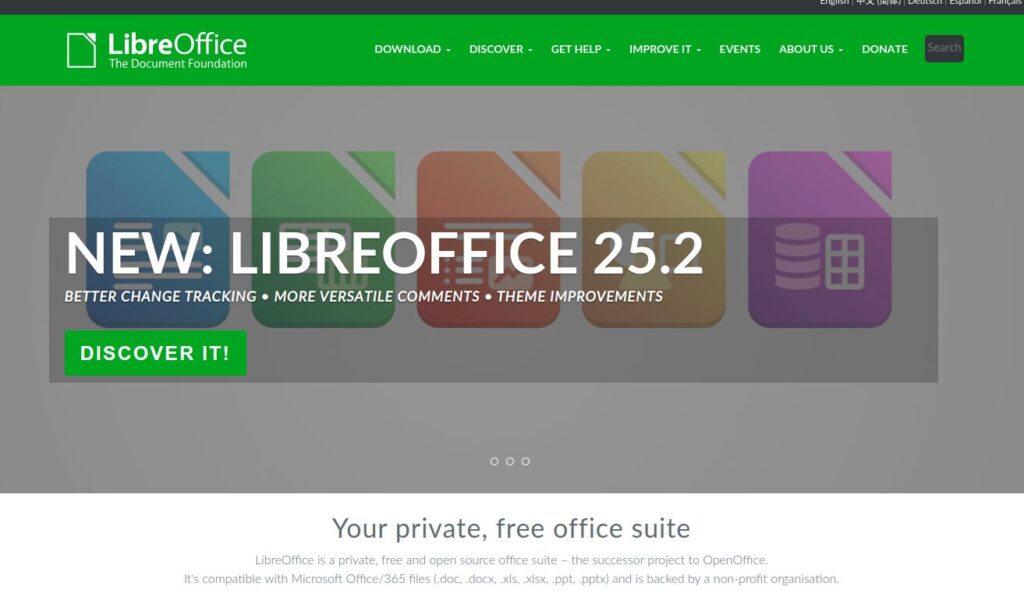
Here is a short video about LibreOffice.
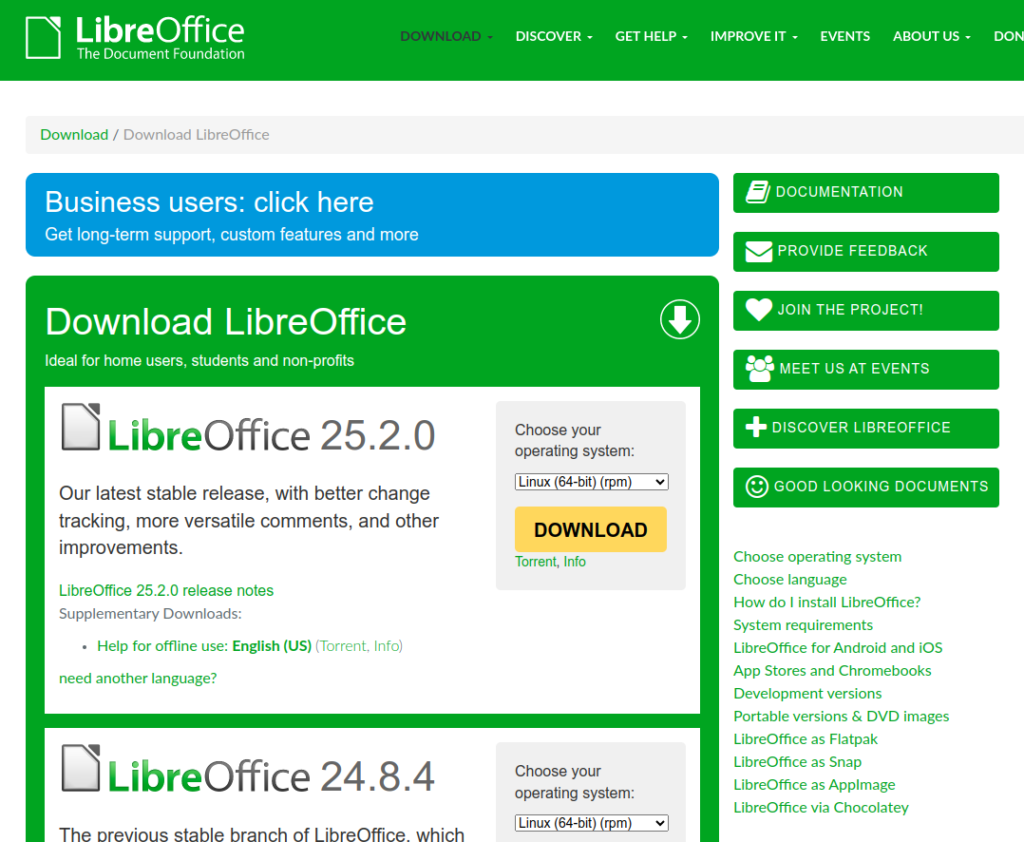
Currently LibreOffice 25.2 is available. You can go here to see all of the information about the options and find what you need: Download LibreOffice.
The only negative comment I’ve seen here and there is that the interface isn’t as up-to-date as Microsoft. I haven’t noticed that, but maybe if you work with it eight hours a day you might? In this case, a nuanced design difference don’t matter enough for me to pay $80-$100 a year to have something from Big Tech that tracks me and spies on me.
Instead, you can enjoy saving money every year from now on!

 Download Your Kindle Books Now (or Permanently Lose the Option)
Leave a Reply