



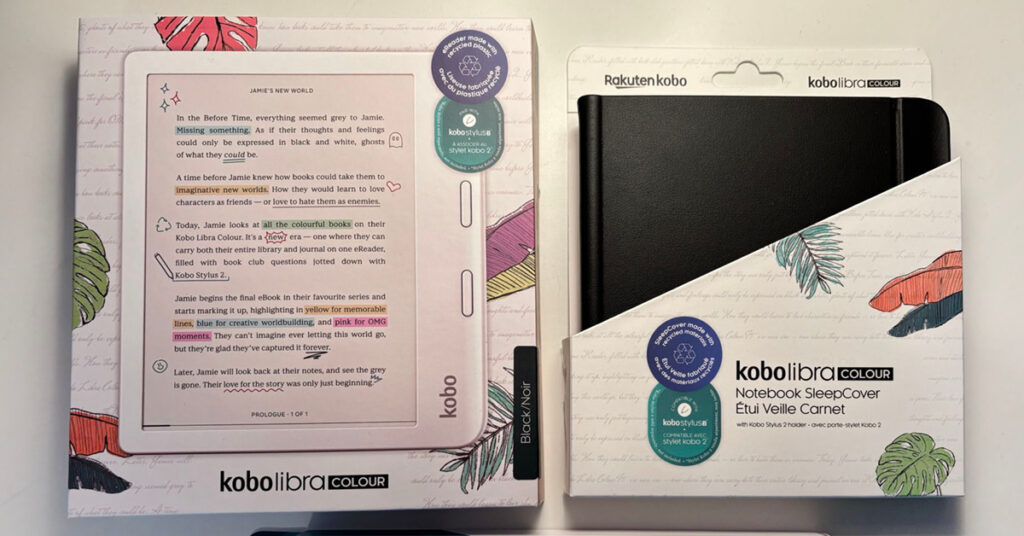
A few months ago I made the decision to move permanently away from Kindle and to Kobo. After doing a ridiculous amount of research, I invested in a Kobo Libra Colour. I am very happy with my decision and thought I would share with you a bit about why I did it and my Kobo experience so far.
My Kindle is a 7th Generation from 2015. I use it primarily to read at night before I go to sleep. However, I knew that it was reaching the end of its life and I would need something else. I do have a Kindle Fire HD 8, but I use it primarily for streaming CensorTube videos. I can’t read on it at bedtime because it messes with my sleep.
Amazon Kindle Licensing
I don’t even remember how I stumbled on the world that is Kindle to Kobo, but the discussions were about how Amazon is really locking down their digital books. The details are beyond the scope of this post, but the bottom line is that you don’t own any digital books you buy on Amazon. You only purchase a license to them.
This has not always been clear to many people and Amazon is making it much clearer now in terms of making things even more difficult. If you’ve never noticed, you aren’t buying an ebook on Amazon. You are purchasing a license to it. Read the little details.
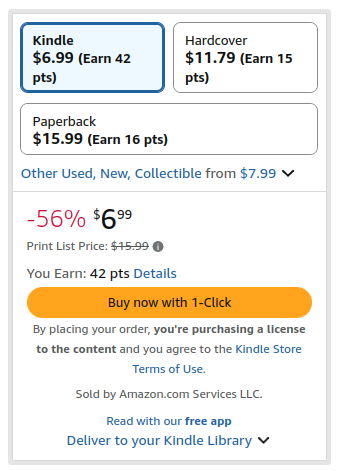
Amazon can delete and change any ebook you purchase at their discretion. They can change the cover. They can change the contents.
You are also not supposed to modify the files to be able to read them on other devices. (There are programs that make this possible.) That would be another post about DRM, formats, and legalities. There’s lots of discussion in both directions. The bottom line is Amazon owns it and you pay for the opportunity to use it. People describe Kindle as an ecosystem that traps you like Apple. I agree and was tired of being trapped.
Some people who were making the decision like I was debated on whether to wait for the launch of the Amazon Kindle Colorsoft Signature Edition. Since I wanted out of the Kindle ecosystem, that wasn’t a temptation for me. I haven’t seen anyone who waited for the Colorsoft and chose it over the Kobo. Most people who want a Kobo want out of Kindle. (The reviews of the Colorsoft at the moment are terrible. About 40% of them are 1 and 2 stars. That is an abysmal start for Amazon’s foray into this market.)
Using Calibre With Kobo
I decided to move to Kobo because it enables me to own and control my digital library. Kobo books are in a different format (epub) and they are not locked down the way Kindle books are.
You can manage your own library (independent of your Kobo) through an app called Calibre. Even if your Kobo device died, you would still have all your books to read on your computer or another device. You own your books. Period.
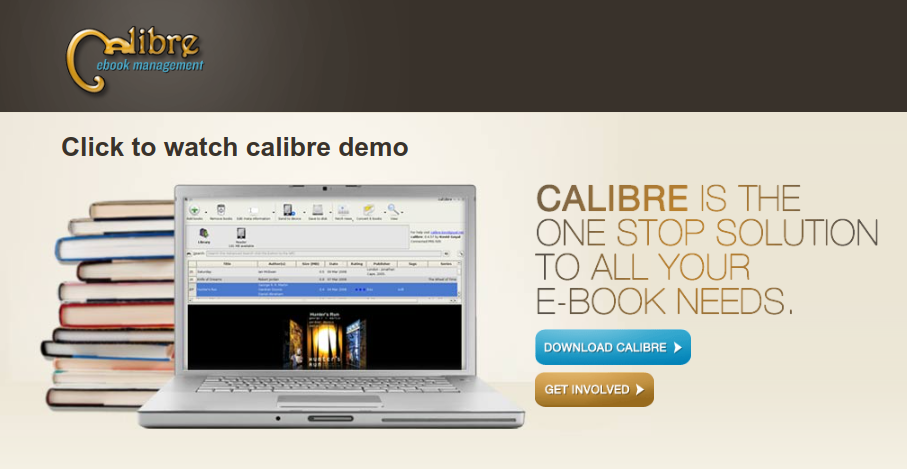
calibre is a powerful and easy to use e-book manager. Users say it’s outstanding and a must-have. It’ll allow you to do nearly everything and it takes things a step beyond normal e-book software. It’s also completely free and open source and great for both casual users and computer experts.
Calibre is available for Linux (my choice), Windows, and Mac.
That’s all I’ll say about Calibre right now. I would like to write an additional post about it at some point.
Kobo Libra Colour
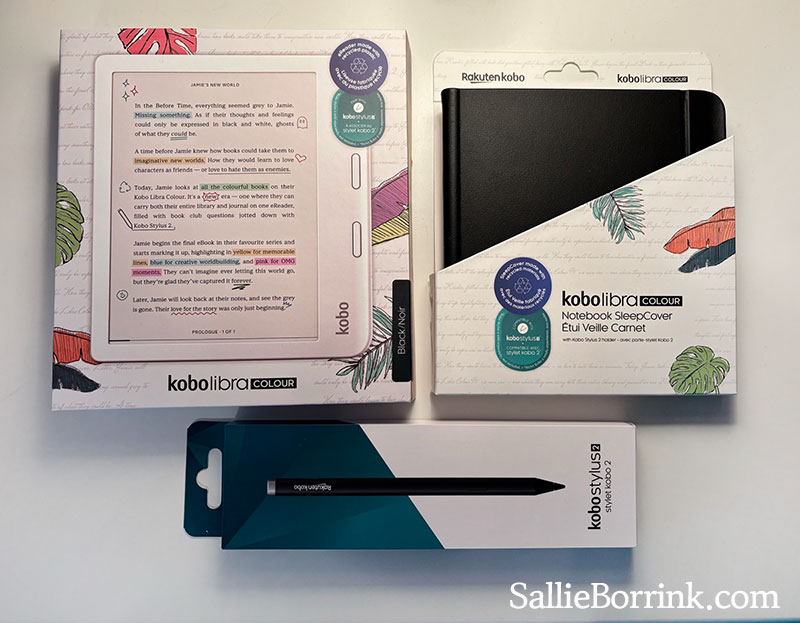
When I purchased my Kobo Libra Colour, I purchased the entire set – the Kobo Libra Colour, the Notebook SleepCover, and the Stylus. Like I said above, it is an investment. (I purchased mine directly from Kobo, but since I haven’t been approved as an affiliate for them yet I am linking to Amazon.)
I decided on the Kobo Libra Colour for a few reasons.
One, the Libra Colour had great written and video reviews. I didn’t find anyone who switched from Kindle to the Libra Colour and regretted the choice. The reviews are overwhelmingly positive.
Two, I loved the color. I love seeing the book covers in color and being able to highlight in color. Beauty and aesthetics matter to me. (You can see examples of the highlighting on the box above.)
Three, I love the page turn button. Love. It. You wouldn’t think something that small would be so great, but I agree with everyone who said they loved that feature. I do, too.
Four, I really liked the idea of the stylus and being able to take notes both in the book and in digital notebooks right on the Libra Colour.
Five, you can borrow books from your library directly through your Kobo.
Inside the Kobo Libra Colour
So here’s a look at what mine looks like inside and some of the features.
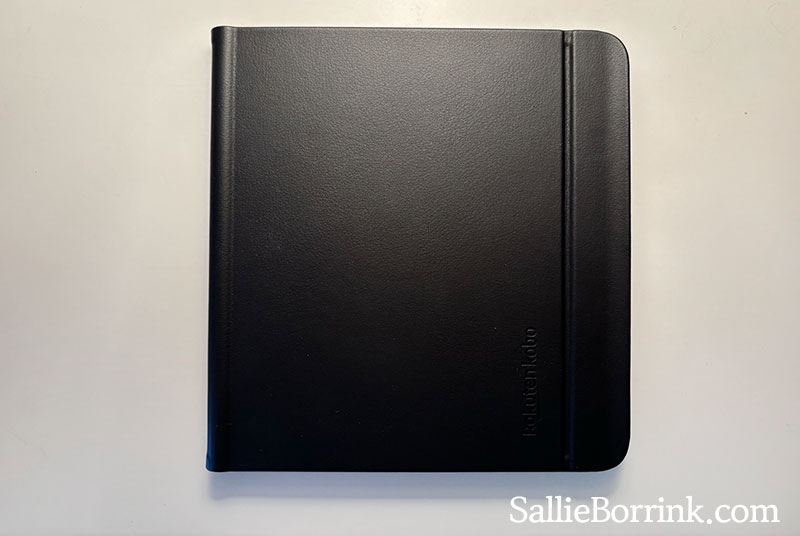
First, a look at the outside. It’s very nice and pleasant to hold. You’ll see in some of the pictures that the Stylus attaches magnetically in the spine area.
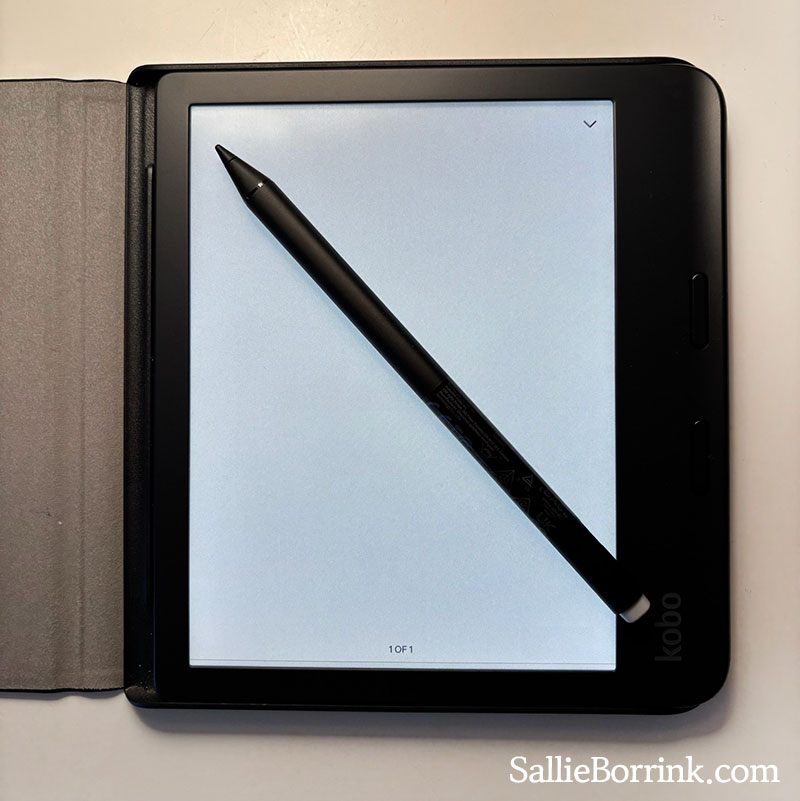
Here’s the stylus compared to the Kobo. You can see its little spot where it snaps into the spine area. It has the ability to erase on the screen.
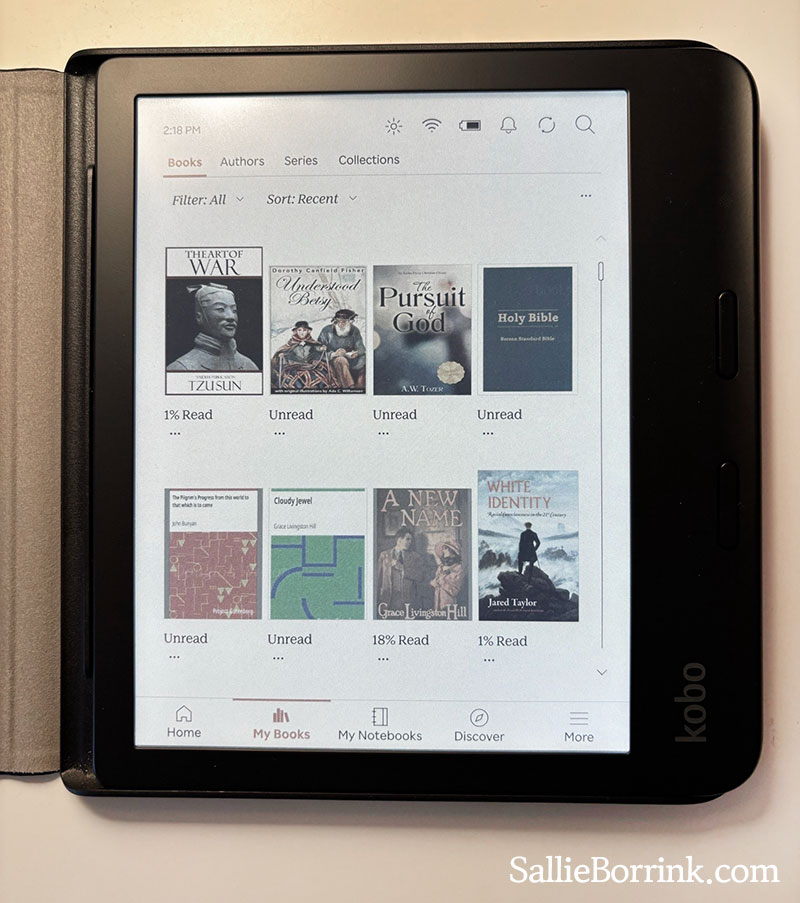
Here’s a peek at the Books landing page when sorted by Recent. There are so many ways to organize your books. It will automatically sort by Authors. You can set up your own Collections which I really like. For example, I have Collections for Christmas, History, Homeschooling, Christian Living, Bibles, etc.
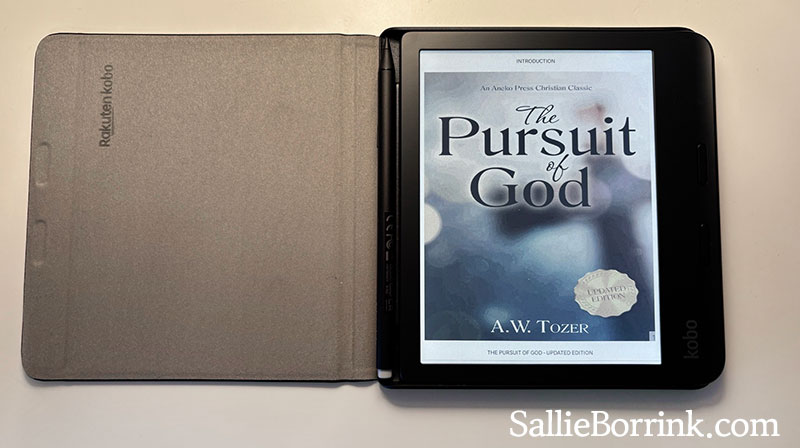
Here are a few examples of what the covers look like in color when you open them.
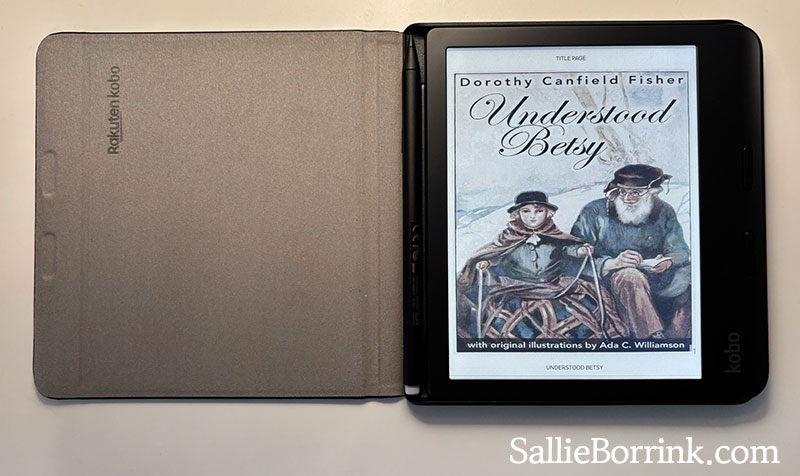
The colors are muted. They don’t look like a Kindle Fire. But they are relaxing and lovely. So much nicer than everything in black, white, and gray!
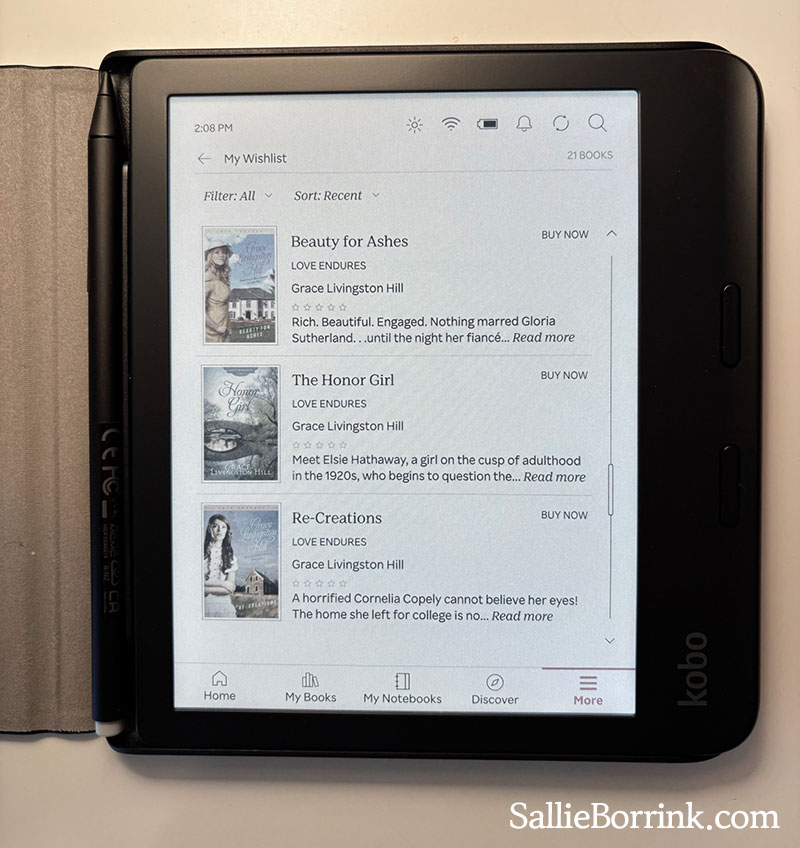
You can set up a Wishlist in the Kobo Store.
This is the same picture again, but to give you an idea of how I get my books. The Art of War was free in the Kobo store. Pilgrims Progress, Cloudy Jewel, and A New Name are public domain from Project Gutenberg. Understood Besty and The Pursuit of God were books that I purchased on Amazon in the past, but had open rights so I could move them to my Kobo. The Bible is a download from Berean Standard Bible. White Identity was purchased with a gift card from the Kobo store.
There are many ways to get epub books. You can purchase books and get free books through:
Libra Colour Notebooks
So let’s look at the notebook portion! You can create notebooks in a few different formats.
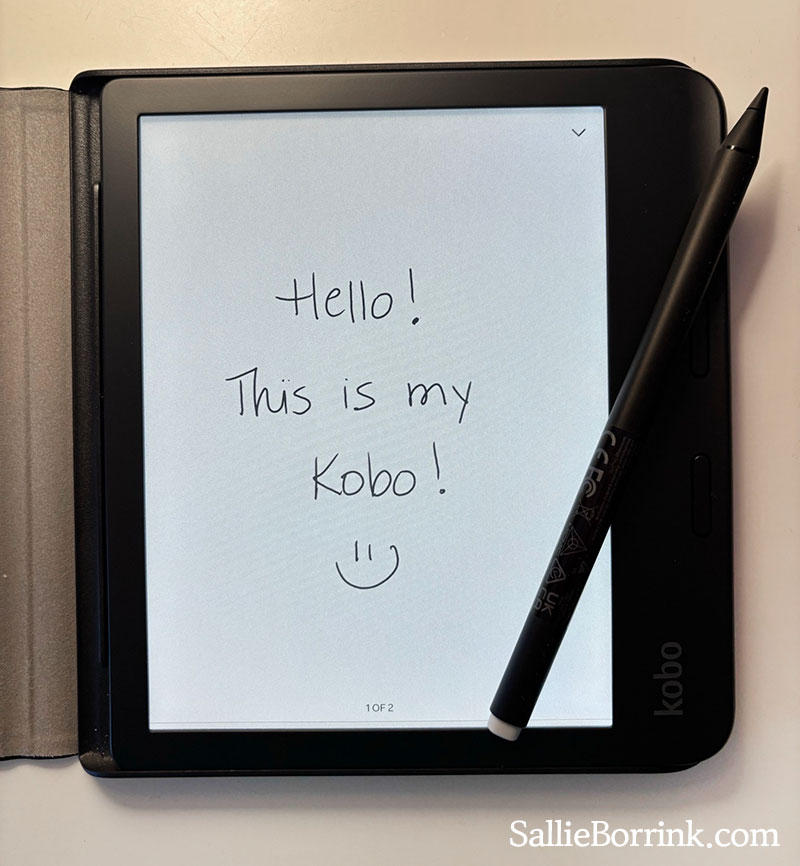
The Basic Notebook allows you to just write and take notes however you wish!
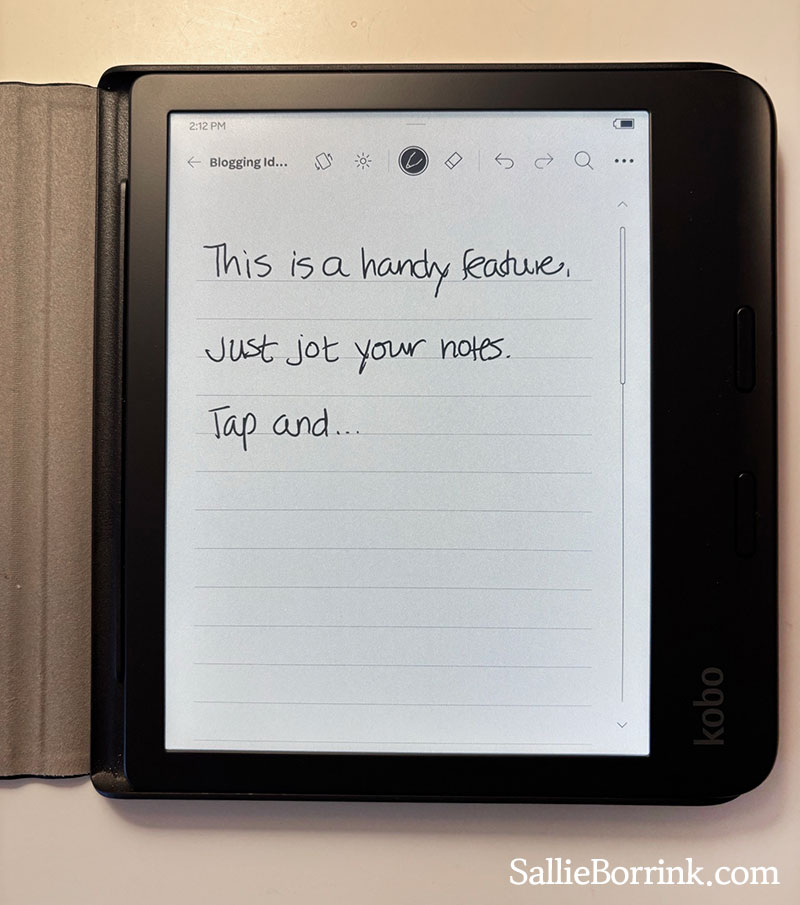
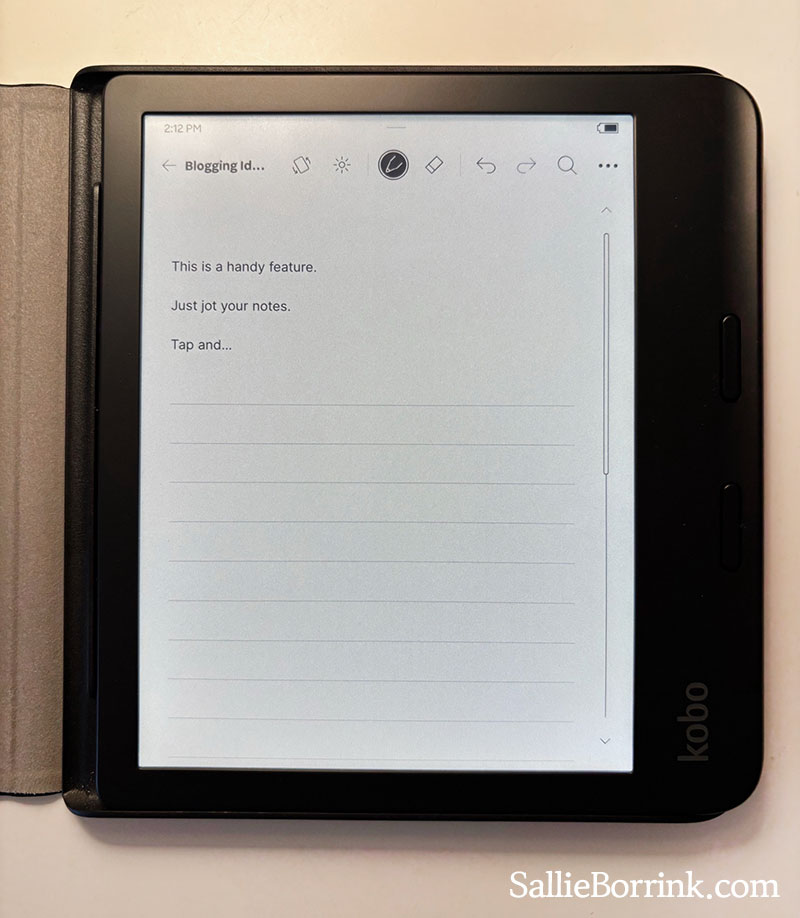
The Advanced Notebook converts your handwriting into type. It also can accommodate diagrams, equations, etc.
So you can do this…
Tap the line and this happens! You can see that I didn’t go to great pains to write carefully and it still had no problem translating it into type.
Other Libra Colour Features
There are many other things you can do that I’ll just list here.
- There are paid Kobo Plus options similar to Kindle Unlimited and Audible. (I’m not doing this.)
- You can use Instapaper with your Kobo which I wrote about here: Using Instapaper With My Kobo Libra Colour
- You can connect to your Dropbox. (I have done this.)
- You can connect to your Google Drive. (I don’t use Google Drive.)
So that’s my journey into the land of Kobo and epub books. Feel free to leave any questions in the comments and I’ll do my best to answer them!


Excellent! Thank yiu!!
You’re welcome! I thought of all my readers, you were the one who might be most interested.
Sallie ♥
New development from Amazon if you are still thinking about this stuff.
Amazon are changing the way you own your Kindle books – you have 10 days to react
https://youtu.be/KMoCzeGnIss
You have a week to get your books downloaded if you want to escape the Kindle ecosystem at some point.
https://youtu.be/iK1ZZInYRHY
I’ve had my Kobo Libra Colour now for about six months. I love it. I’m so thankful I made the switch.
Here’s a great bunch of tips for what you can do with your Libra Colour.
https://www.reddit.com/r/kobo/comments/1e0kqn0/comment/lcnqnh2