








A year ago I wrote about Switching To Kobo Libra Colour From Kindle. A year later, I still love my Kobo Libra Colour. Love, love, love it. If something happened to it, I would immediately replace it. I love the pen, notetaking, highlighting, and the color book covers. The color covers are just a game changer in making it feel really special to use. And the page turn button. Love. It.
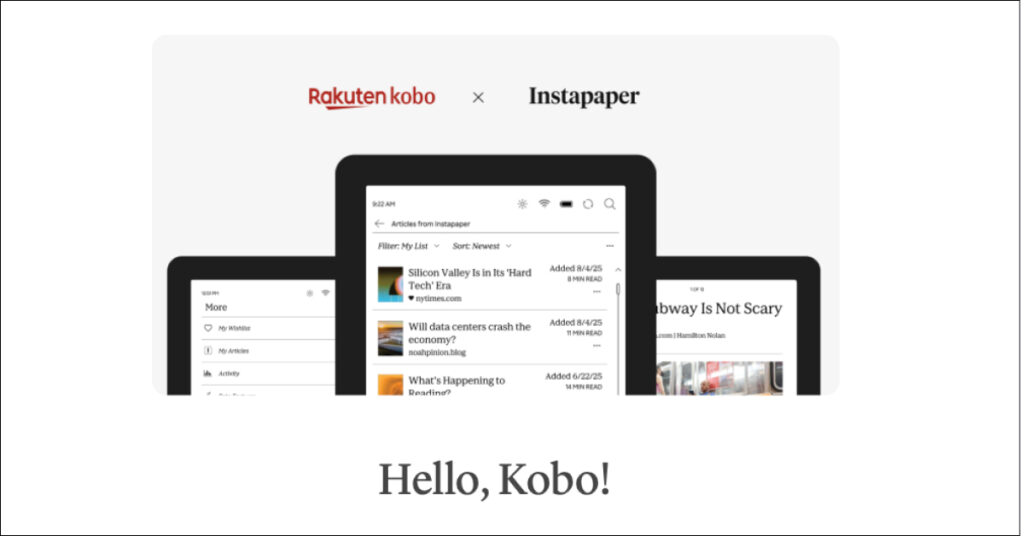
A few months ago I added Instapaper to my Kobo. If you aren’t familiar with Instapaper, it’s an app/service that allows you to save online articles to read elsewhere. My Kobo had Pocket when I bought it, but I wasn’t interested in using it. When Pocket was discontinued by Mozilla, Kobo switched to Instapaper. I decided to give it a try with the switch. 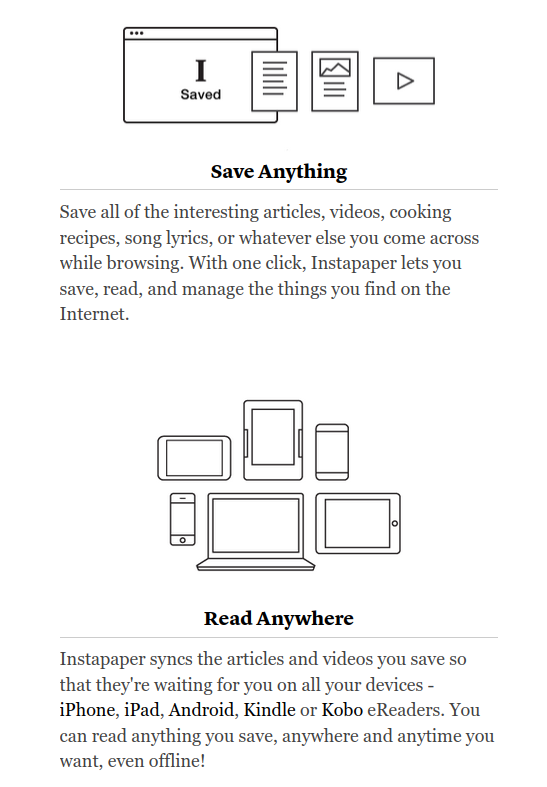
All I have to do is click the little I icon I installed on my Brave browser to save whatever it is I want to read later.
Then when I open Instapaper on my Kobo, it downloads anything new I’ve saved while on my computer. I can read them all right there.
I limit my use of Instapaper to primarily positive, cozy, and encouraging type content because I want my Kobo to be mostly a happy escape.
There is only one downside with Instapaper currently and I’m looking forward to this changing.
I subscribed for the Premium service because I thought that would allow me to highlight as I read in Instapaper. Unfortunately, that isn’t available yet on Kobo. It’s in process, but not ready.
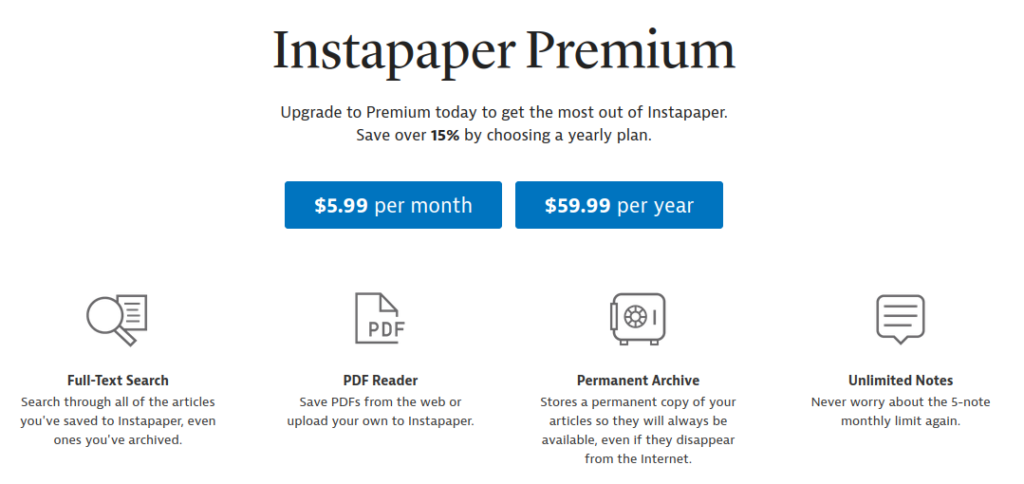
So I cancelled my upgrade and will wait to see if/when they release the highlighting option for Kobo.
But it certainly doesn’t stop me from using Instapaper on a near daily basis.
If you have a Kobo, I recommend looking into the free version of Instapaper if you would like to be able to read articles and posts later. They have a page devoted to Kobo with instructions for set-up.
Happy reading!

 Now on Substack to Reach More People
Leave a Reply